

Naming the Places on My Dota 2 Map Page So That Searching the Notes Actually Works
My map page is a short list of the places I walk through in nearly every Dota 2 game. When an update arrives I search the official notes for words from that page. For months this search kept failing, and the reason was embarrassing: I had named my places in my own slang, and the notes use different words.The problem with private names
“The sad corner” and “my tree” mean something to me and nothing to a search box. After an update, a line about a change near that spot would sit in the notes and I would never find it, because I was searching for words nobody else wrote.Two names for every place
Now each line on the page carries two names: my private one, and the plain one that an official text would plausibly use. Next to “my tree” I wrote “outer camp, top lane.” The private name keeps the page quick for me to read, and the plain name makes the search work.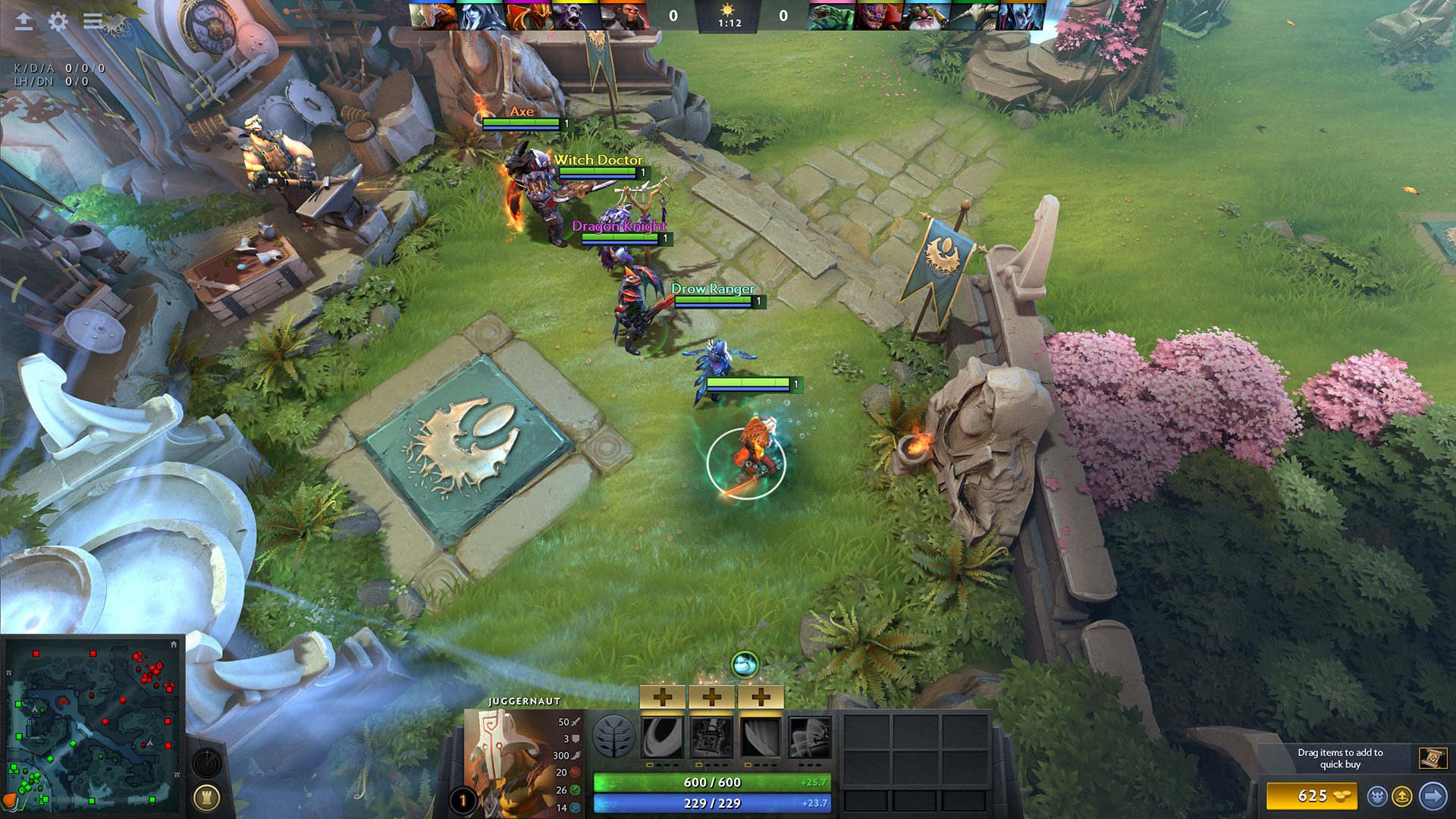 Dota 2 screenshot — © Valve, official Steam store page.